

修 Maintenance
Maintenance
Repair versus rebuild, Check Folders, Clean Database, Media Tools and Reset Settings.
The Maintenance section at the bottom of the sidebar keeps a large library healthy. Its buttons are colour-coded:
- Orange — Repair. Only regenerates what is missing. Fast and safe.
- Red — Rebuild. Discards and regenerates for the whole library. Slow; use it only when something is genuinely wrong.
Repair All Thumbnails / Previews / Metadata
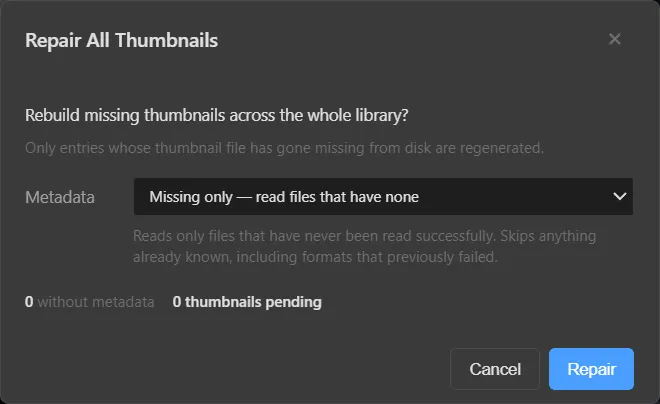
- Thumbnails / Previews — only entries whose thumbnail or preview file has gone missing from disk are regenerated.
- Metadata — Missing only reads files that have never been read successfully, and skips anything already known — including formats that previously failed.
The dialog shows how many files are without metadata and how many thumbnails are pending before you press Repair.
Repair All Folders (Check Folders)
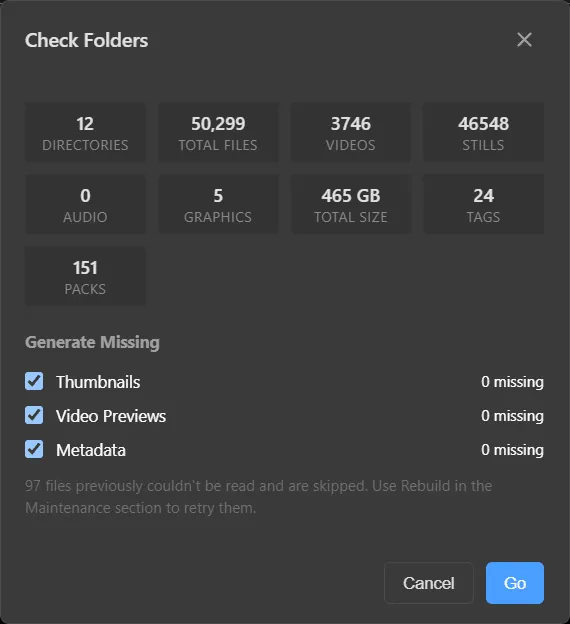
A health check for the whole library. It shows the number of directories, total files, videos, stills, audio, graphics, total size, tags and packs, and how many thumbnails, video previews and metadata records are missing. Tick what to generate and press Go.
Files that previously couldn’t be read are skipped and counted — use Rebuild to retry them.
Rebuild All Thumbnails / Previews
Deletes every thumbnail (or preview) in the library and generates them again. Use after a problem that Repair can’t fix.
Warning
Rebuilding a large library can take a long time and keeps ffmpeg busy. Try Repair first.
Per-directory maintenance
Right-click a directory → Maintenance to run only what’s missing (Repair Thumbnails, Previews, Metadata) or discard and redo (Rebuild Thumbnails, Previews, Metadata) on just that directory.
Clean Database
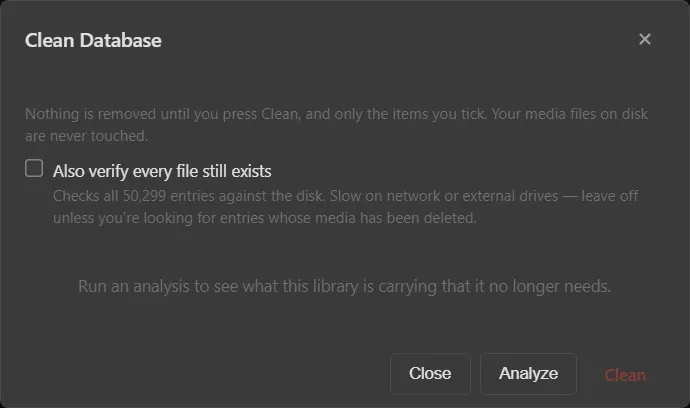
Press Analyze to see what the library is carrying that it no longer needs; nothing is removed until you press Clean, and only the items you tick. Your media files on disk are never touched.
Also verify every file still exists checks every entry against the disk. It is slow on network or external drives — leave it off unless you are looking for entries whose media has been deleted.
Media Tools
Checks for ffmpeg and ffprobe, re-checks, or re-downloads them. See Installation → ffmpeg.
Reset Settings
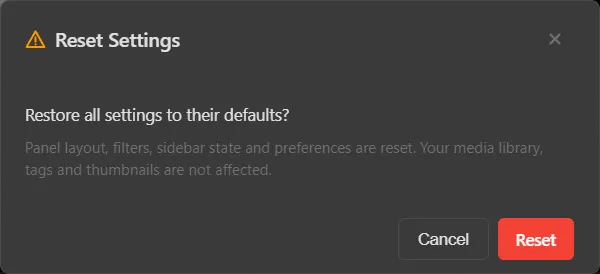
Restores panel layout, filters, sidebar state and preferences to their defaults. Your media library, tags and thumbnails are not affected.
Migrate Library
Moves your library to another machine. See Migrating a library.
Something unclear or missing? Tell the sensei and the page will be fixed.