
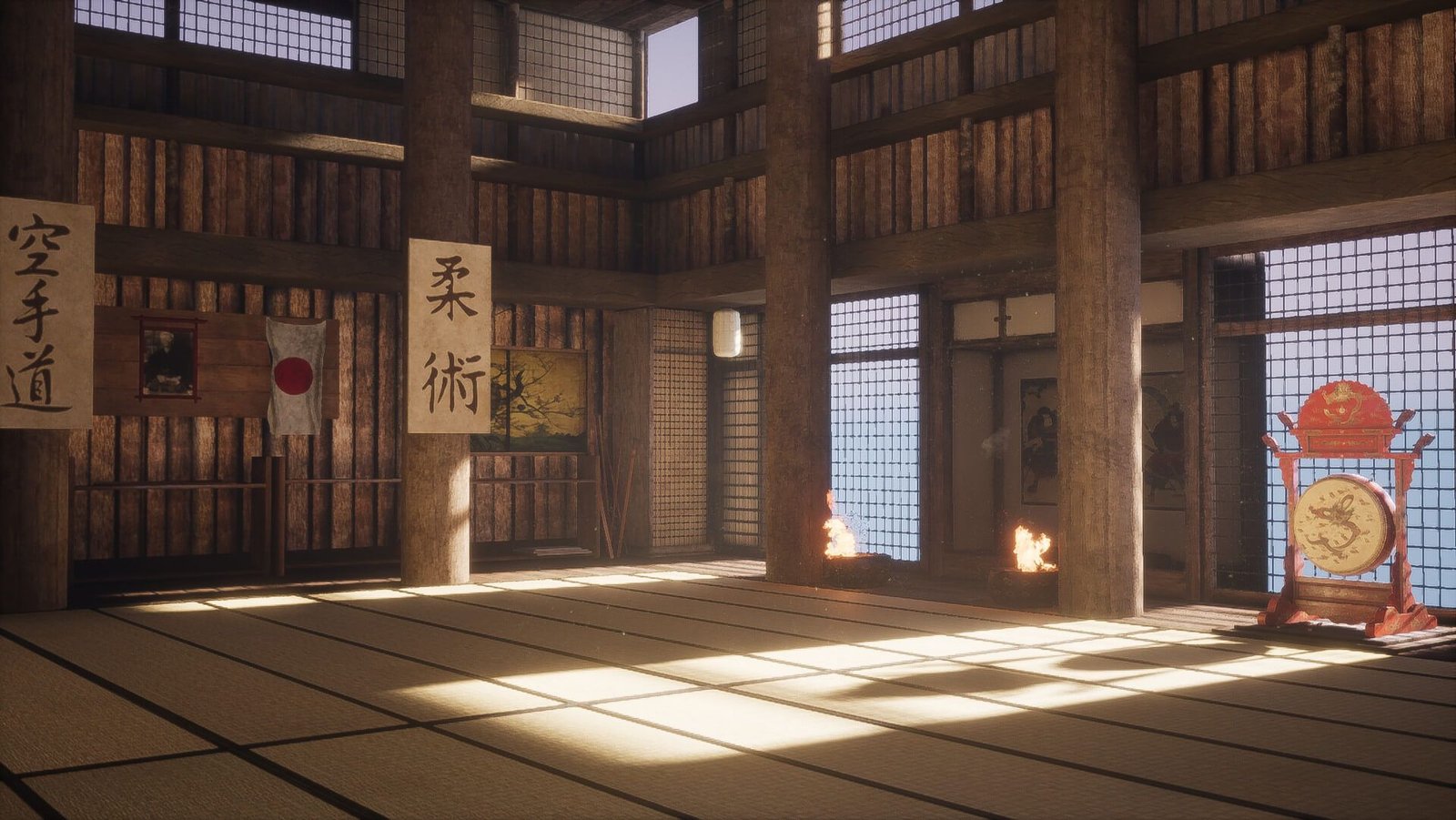
道場 A learning dojo · est. 2026
Forge the tools.
Master the craft.
Tools, scrolls and training for motion designers and technical artists. Production-forged extensions, the docs and tutorials to wield them, and a place to keep training.
 New in the armory Media Browser Pro Ae · Pr · Ps · Ai media panel
心 The way of the dojo
Every tool in this dojo was forged in real production. Every scroll was written after the fight. Train with them and the work gets quieter — fewer clicks, fewer searches, more time on the frame that matters.
— Guy, sensei
目録 First blade in the armory
Your whole stock library, one panel away.
Media Browser Pro indexes every clip, still and graphic you own and puts them a keystroke away inside After Effects, Premiere Pro, Photoshop and Illustrator.
- Ae After Effects
- Pr Premiere Pro
- Ps Photoshop
- Ai Illustrator
- Files indexed
- 91,309
- Library size
- 1.4 TB
- Host apps
- 4
Library figures from the demo footage.

道場 Six halls
Walk the dojo.
Each hall trains a different part of the craft. Some doors are open; others are still being built.
 武器 01 open Armory Extensions and scripts for After Effects and the Adobe suite, forged in real production.
Enter
 巻物 02 open Scrolls Long-form articles and devlogs: how the tools are built and why they work the way they do.
Enter
 型 03 open Kata Short forms to practise. Tips, shortcuts and workflows you can drill in five minutes.
Enter
 講習 04 opening soon Seminars Live, hands-on sessions. Bring a project, leave with a pipeline.
Enter
 茶室 05 opening soon Tea House The talk show. Unhurried conversations with artists and toolmakers.
Enter
 師範 06 open Sensei Who runs the dojo, and why it exists alongside the portfolio.
Enter
守破離 The path
Shu · Ha · Ri
An old martial-arts model of mastery, and the way this dojo is organised. Follow the form, break the form, then leave it behind.
Shu
Follow the form
Learn the tool exactly as it was designed. Every panel, every button, every option — walked through in the docs and first tutorials.
Start with the docsHa
Break the form
Bend it to your pipeline. Modifier-key imports, packs and tags, workflows that cut a hundred clicks to one. That is what the kata are for.
Practise the kataRi
Leave the form
Build your own way. Seminars, the Tea House and the scrolls are about the thinking behind the tools — so you can forge your own.
Read the scrolls武器 The armory
Tools, forged in production.
 01 available
mokuroku — the catalogue
Media Browser Pro
Your whole stock library, one panel away.
- Ae After Effects
- Pr Premiere Pro
- Ps Photoshop
- Ai Illustrator
 02 in the forge
rendō — linked motion
Set Driven Key
Drive any property from any other. Rig like a 3D animator, inside After Effects.
- Ae After Effects
 03 in the forge
zuhyō — charts and figures
Chart Lab
A spreadsheet becomes a story. Animated charts from your data, built as native layers.
- Ae After Effects
- Pr Premiere Pro
- Ps Photoshop
- Ai Illustrator
 04 in the forge
seizu — the drafting table
Easy CAD Importer
STEP files in, clean meshes out. CAD import for After Effects, Maya and Houdini.
- Ae After Effects
- Ma Maya
- Hou Houdini
 05 in the forge
enkin — near and far
fSpy Importer
Match a photo’s camera in fSpy, then drop it straight into your scene.
- Ae After Effects
- Hou Houdini
- Ma Maya
 06 in the forge
kakyō — the bridge
Houdini Live Link
Houdini and After Effects, linked live.
- Ae After Effects
- Hou Houdini
 07 available
kakyō — the bridge
Maya Live Link
Maya and After Effects, linked live. Free.
- Ma Maya
- Ae After Effects
 08 in the forge
sogeki — the marksman’s shot
Geo Sniper
Aim at the surface. Lights and cameras land exactly where you point.
- Ma Maya
 09 in the forge
chikan — the swap
GM Replacer
Replace these layers with that one, in every comp at once.
- Ae After Effects
 10 in the forge
dakō — the winding path
Sidewinder
Bend any layer along a path, like a snake.
- Ae After Effects
 11 in the forge
tōka — letting light through
Alpha Fix
Repair broken alpha in footage. Free.
- Ae After Effects
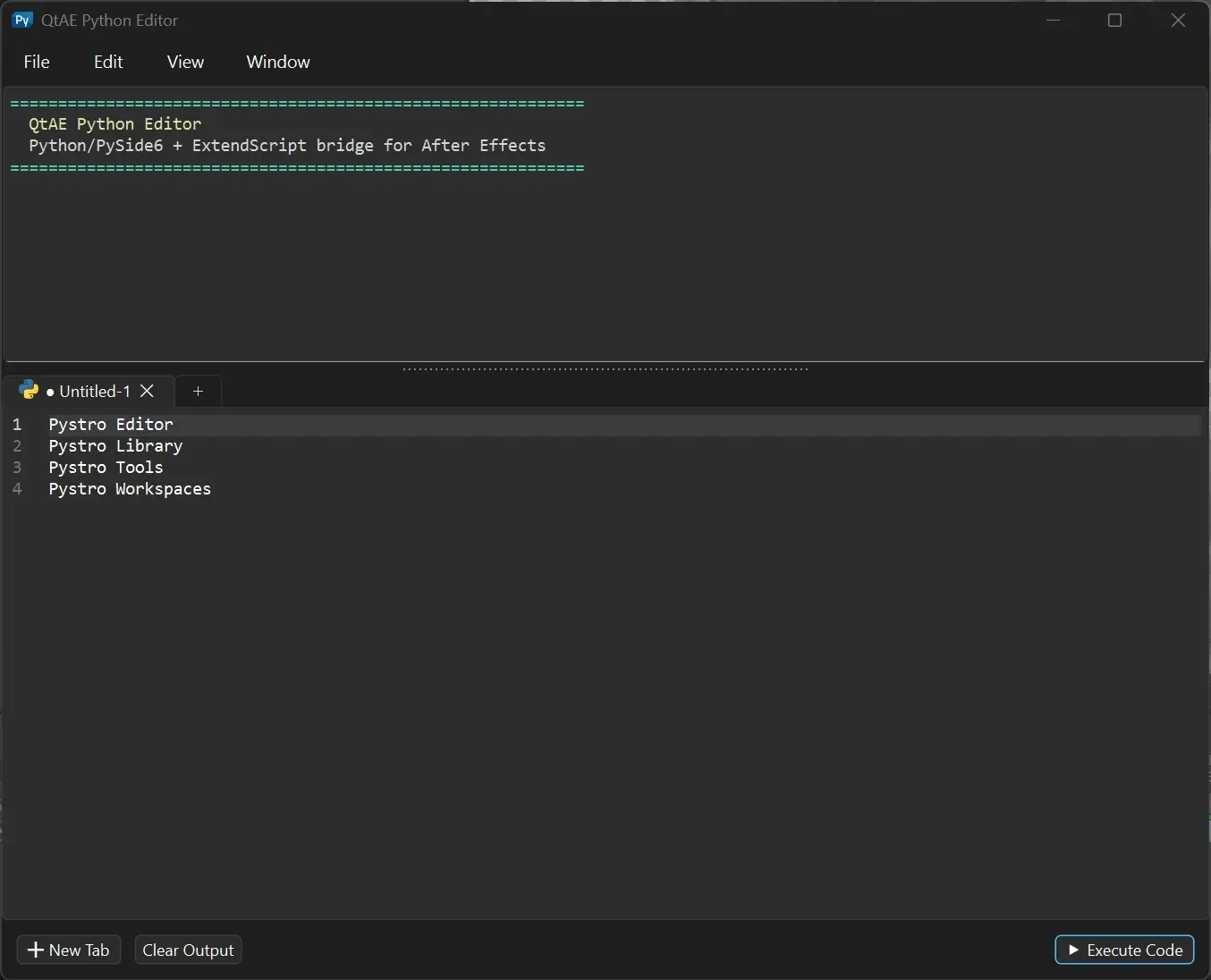 12 in the forge
orochi — the great serpent
Pystro
Python for After Effects. Build your own panels and scripts on a very fast API.
- Ae After Effects
 13 in the forge
sekisō — stacked in layers
Histrix
A modifier stack for Maya. Add, bypass and reorder operations like layers. Free.
- Ma Maya
 14 in the forge
shokki — the loom
Vectorloom
Pixel-perfect vectors from any image, in Illustrator, After Effects and Photoshop.
- Ai Illustrator
- Ae After Effects
- Ps Photoshop

師範 Sensei
Hi, I‘m Guy.
Video producer, motion designer and developer. I build tools for my own production work — the ones that survive real deadlines end up here, sharpened and documented, so you can use them too.
Guy‘s Dojo is the sidecar to my portfolio: that‘s where the finished films live; this is where the training happens.

巻物 Latest scrolls
Written after the fight.

Nov 6, 20266 min read
Inside Media Browser Pro — a tour of the panel
A guided walk through every part of Media Browser Pro, from the first indexed folder to importing nine precomps at the playhead with one click.
Unroll the scroll
Nov 6, 20264 min read
Welcome to the dojo
Why Guy’s Dojo exists, how it is organised, and what you will find in each hall — starting with the first tool in the armory.
Unroll the scroll
Bow in.
New tools, new scrolls, seminar dates. One quiet email when something is worth your time.