

型 Kata
Small forms. Repeated until they’re yours.
A kata is a short sequence you drill until you stop thinking about it. Each one here is a single tip or workflow you can practise in five minutes.
- 一 KATA 01
Media Browser Pro
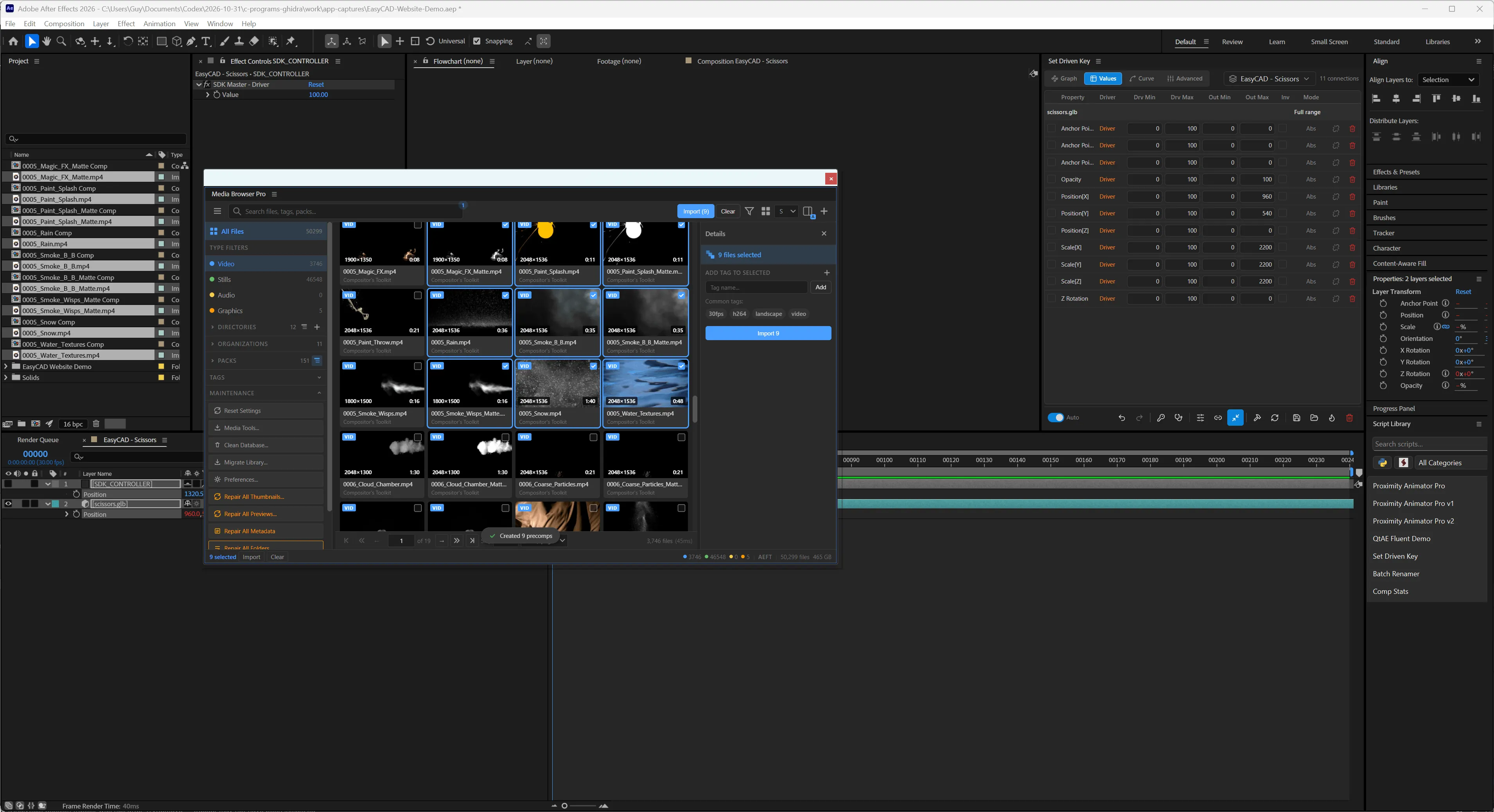
One click, nine precomps, at the playhead
Hold the right modifiers and Media Browser Pro wraps every selected clip in its own precomp and stacks them in your comp at the current time.
Practise - 二 KATA 02
Media Browser Pro
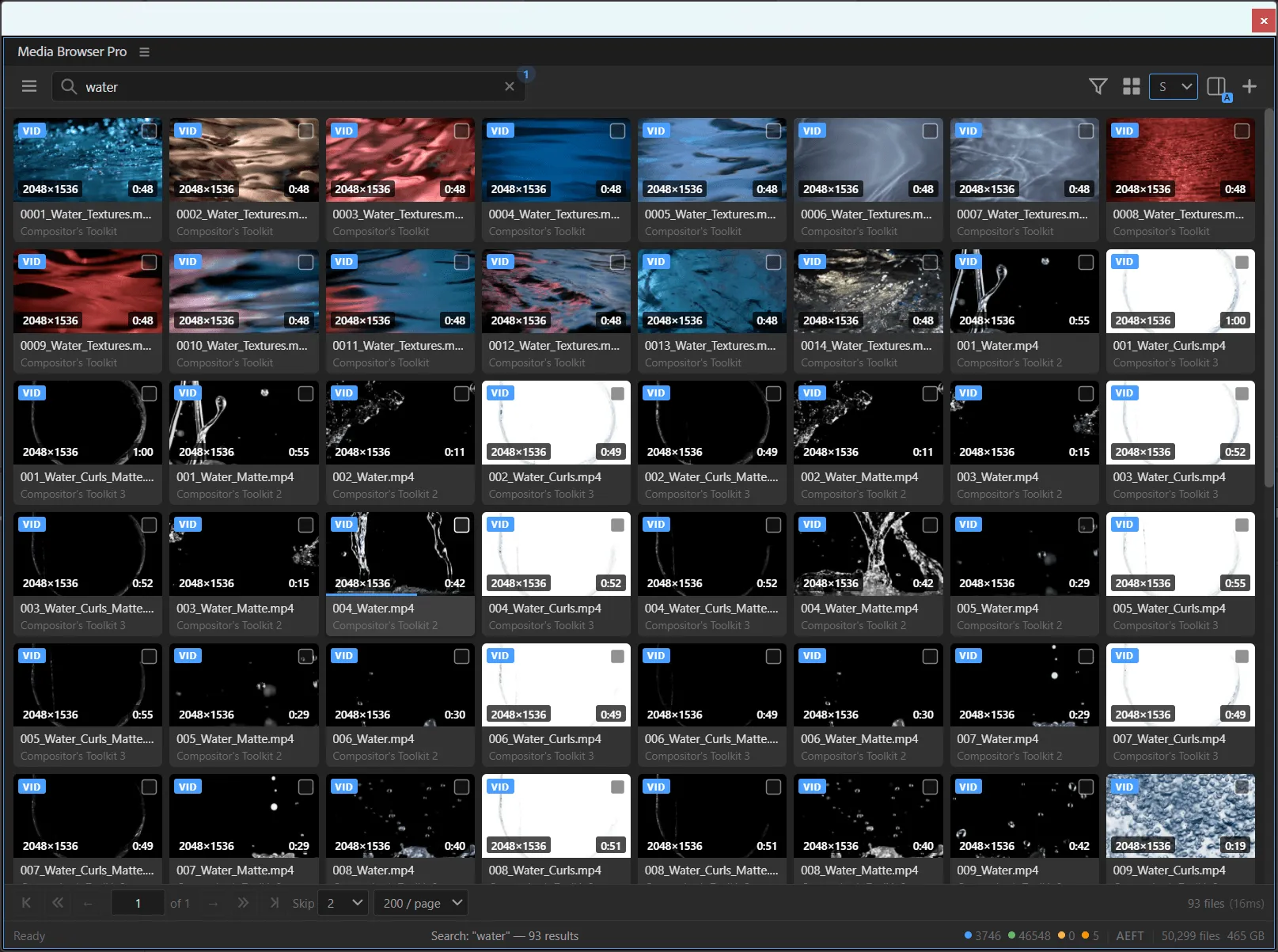
Scrub before you import
Every video card is a scrubber. Read a clip in a second by sweeping the pointer across it, instead of importing it to find out.
Practise - 三 KATA 03

Media Browser Pro
Repair, don’t rebuild
The maintenance section has two kinds of button. Know which one to press and you will never wait an hour for something that should take a minute.
Practise - 四 KATA 04

Media Browser Pro
File like a librarian
Directories, organizations and packs give a 90,000-file library a shape you can navigate in three clicks. Set them up once.
Practise - 五 KATA 05
Media Browser Pro
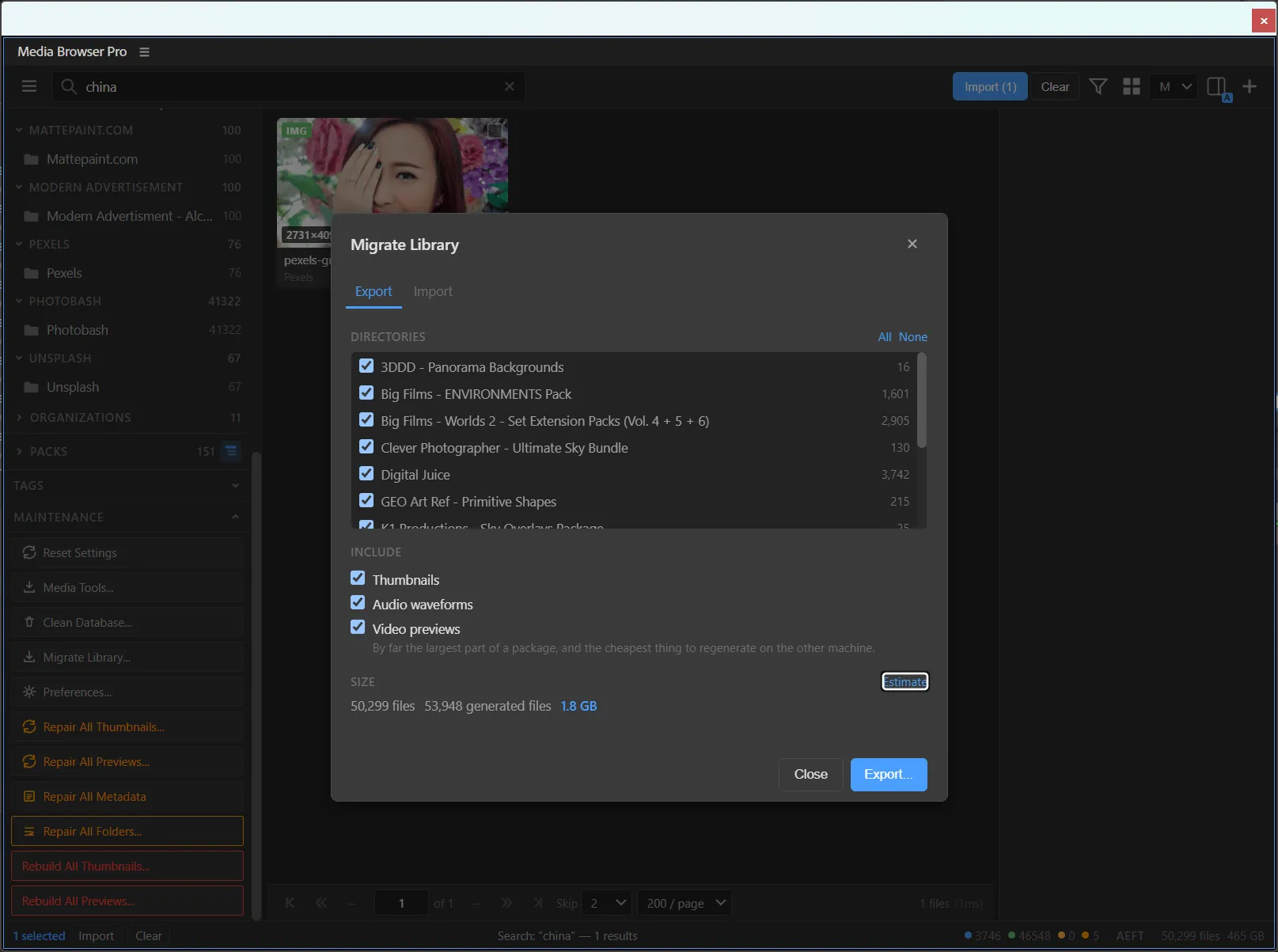
Carry your library to a new machine
Migrate the whole index — directories, thumbnails and waveforms — without hauling gigabytes of previews you can regenerate in minutes.
Practise - 六 KATA 06

Media Browser Pro
Your search history is a shortcut
Click into the search bar and your recent searches drop down with their result counts. Treat them as saved views.
Practise