
Search finds files. Structure tells you what you have. Media Browser Pro gives you three levels of it.
The three levels
- Directory — a folder you added to the library.
- Organization — who made it: the vendor or source (Big Films, Digital Juice, Photobash…). Several directories can share one.
- Pack — a product or collection inside it, taken from the sub-folders (Abandoned Asylum, Florence City, Compositor’s Toolkit 3…).
Every card shows its pack under the filename, and the Details panel shows all three.
The form
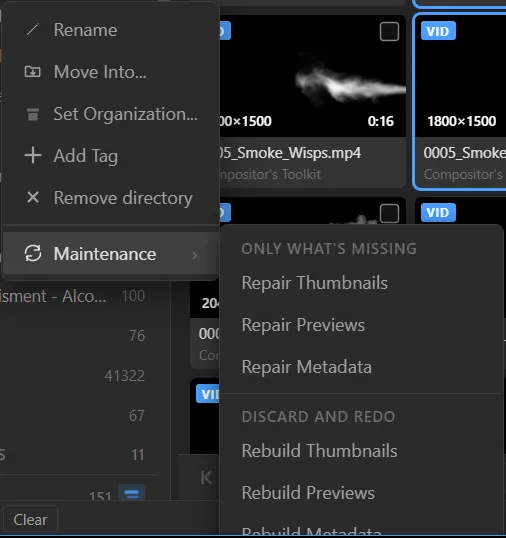
- Right-click a directory → Set Organization… and pick an existing organization or type a new one. If the name already exists, the directory merges into it.
- Right-click → Move Into… to group several directories under a new or existing parent directory.
- Right-click → Add Tag to tag everything in a directory at once.
- Browse by source with the Organizations and Packs sections of the sidebar instead of by folder.
Why bother
Because “that brush-stroke pack from the bundle I bought two years ago” becomes Organization → Pack, two clicks, instead of a search you cannot remember the words for.