狙撃 In the forge
Geo Sniper
Aim at the surface. Lights and cameras land exactly where you point.
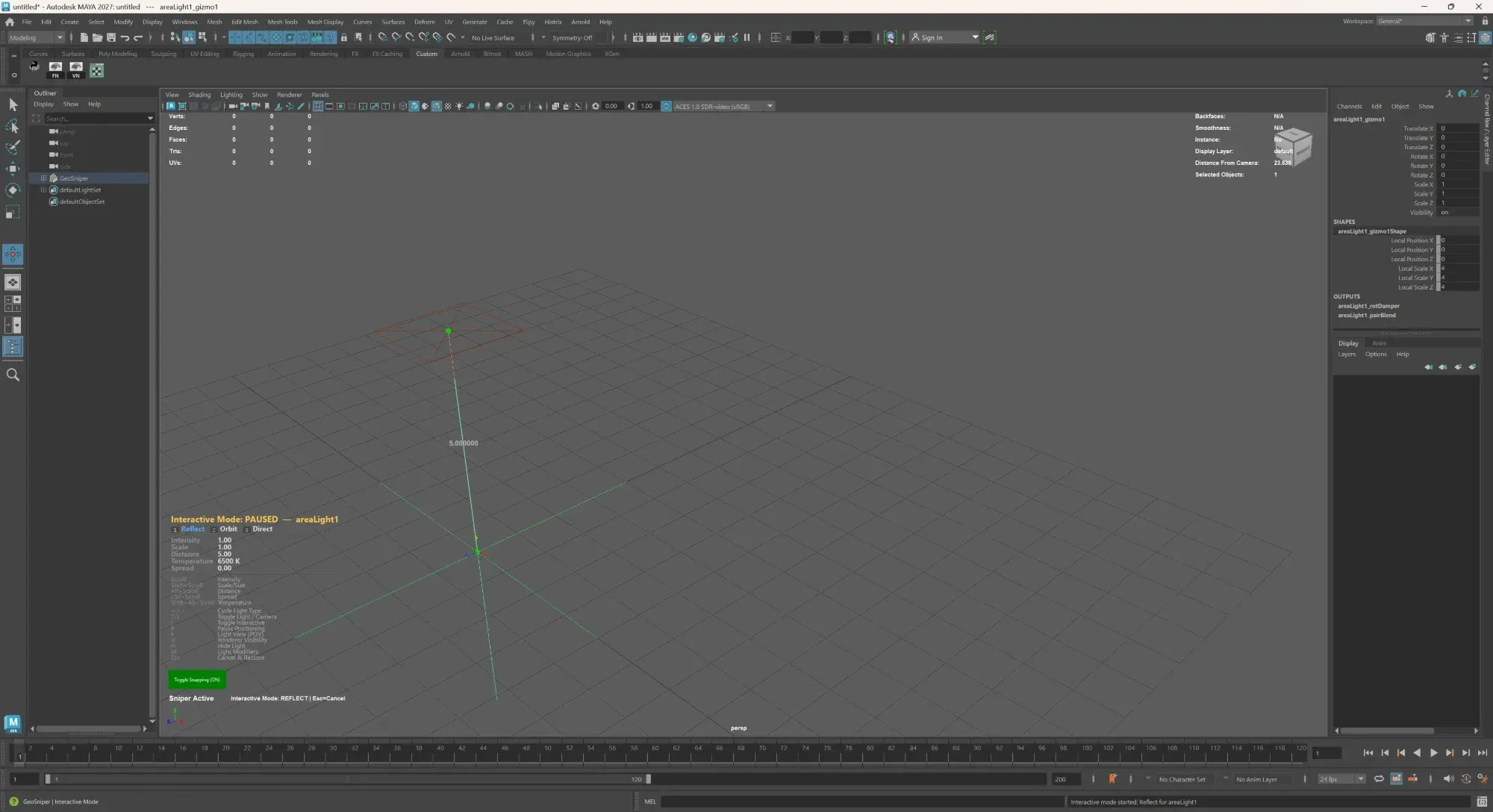
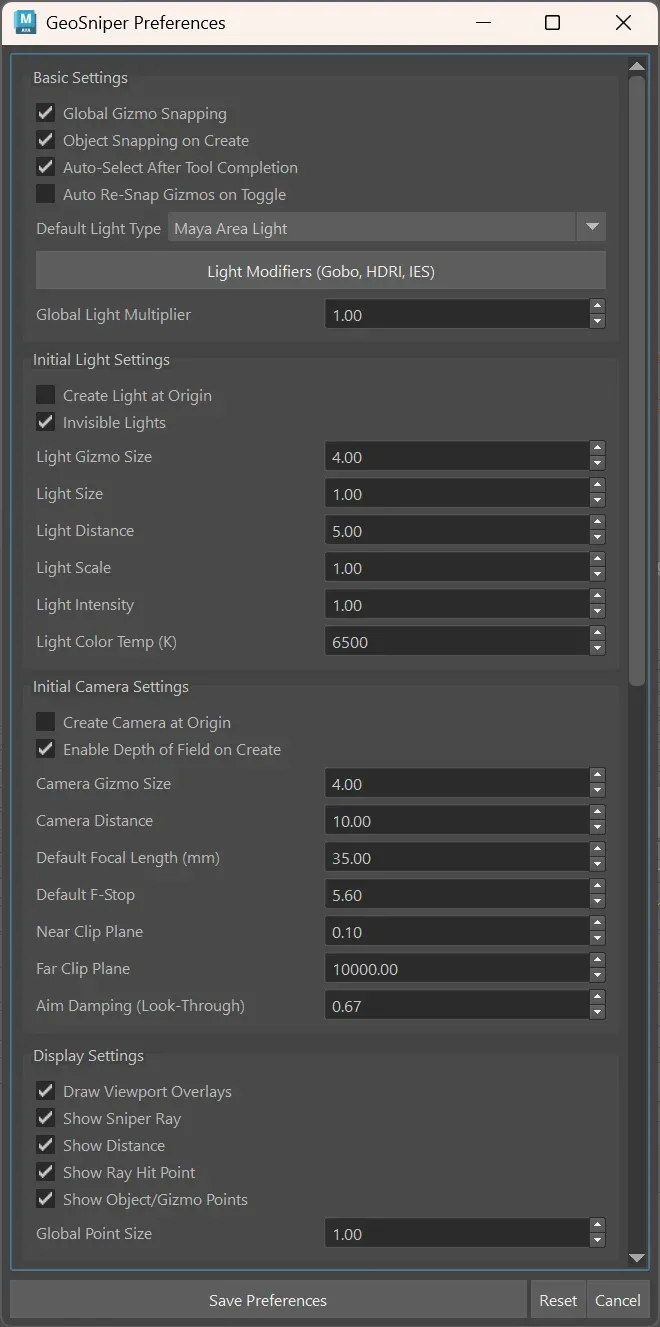
Geo Sniper places lights and cameras in Maya by shooting rays at your geometry. Reflect, orbit or aim directly, then set intensity, size, distance and colour temperature from the scroll wheel, with gobos, HDRIs and IES profiles one menu away. Currently being forged.
- Ma Maya
Windows / macOS
$19 one-time · USD · at launch
Hear the moment it leaves the forge

work in progress · subject to change
技 What's being forged
Aim at the surface. Lights and cameras land exactly where you point.
Shoot to place
Click a surface and the light or camera snaps into position: Reflect, Orbit or Direct, with view-axis snapping.
Interactive mode
Scroll for intensity, with modifiers for size, distance, spread and colour temperature. Toggle light or camera, look through, pause or cancel.
Modifiers and presets
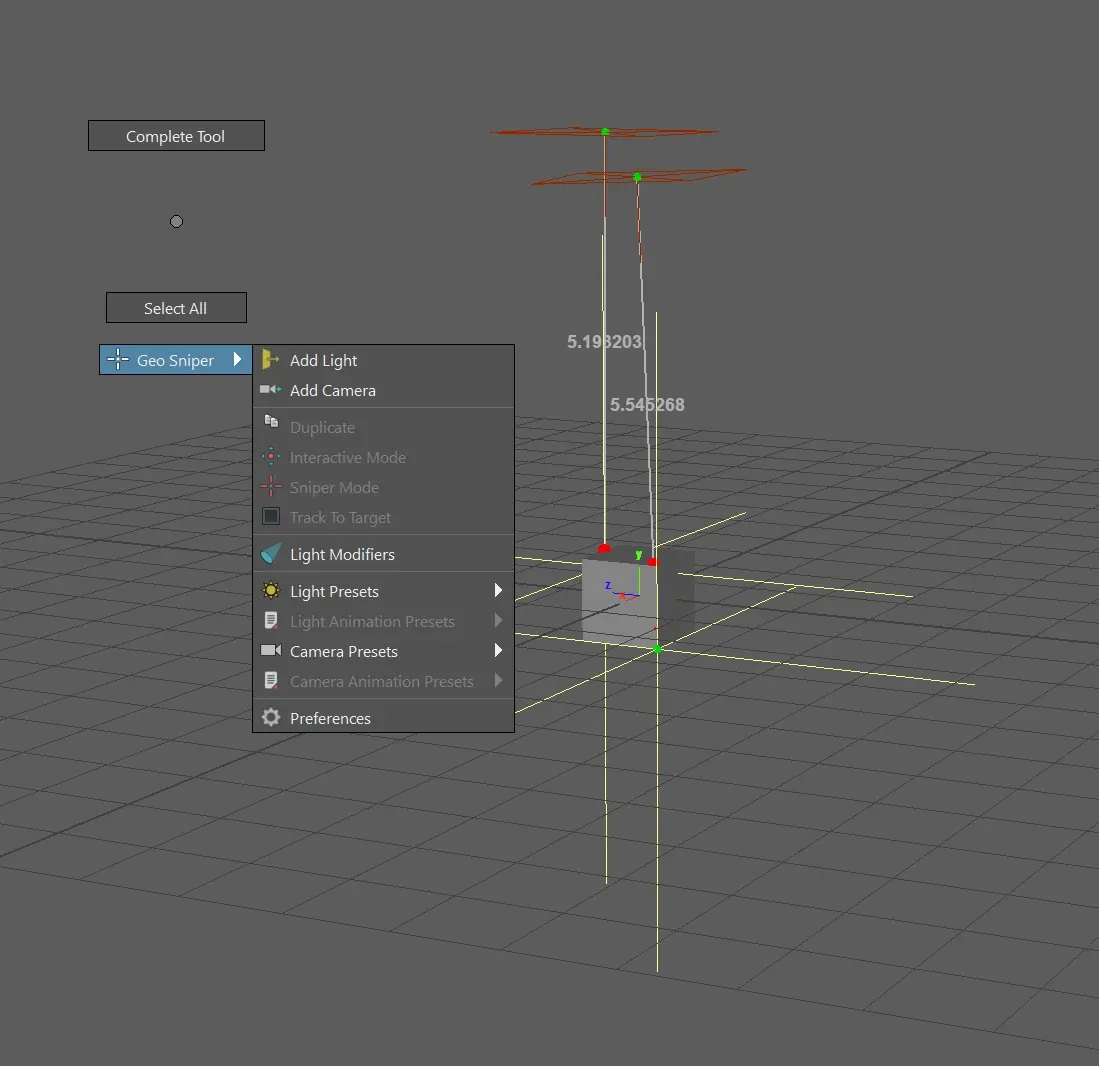
Gobos, HDRI/EXR and IES profiles, light and camera presets, and a marking menu that keeps it all under the cursor.