
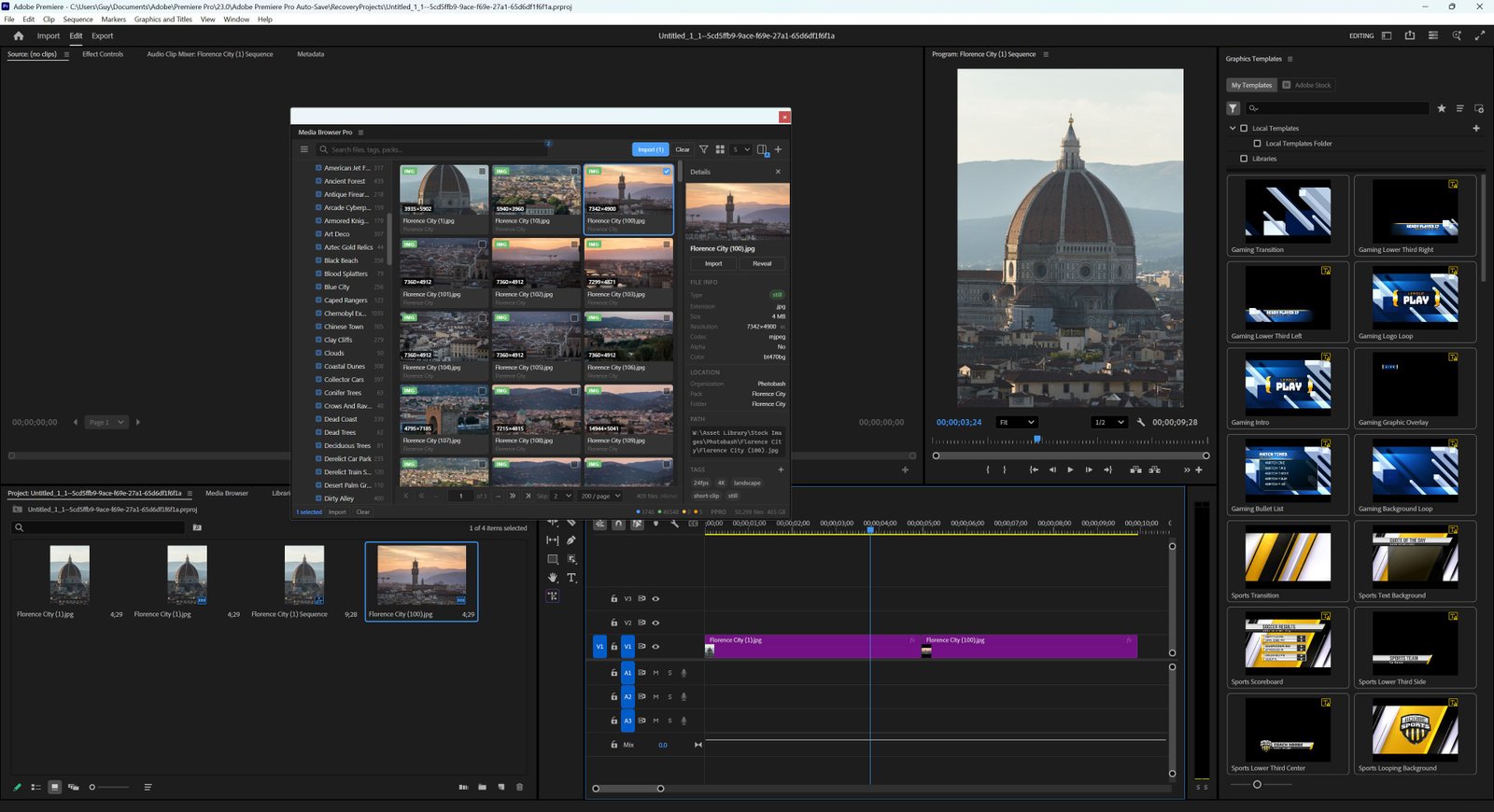

Media Browser Pro keeps one library for every host. Folders you added in After Effects are already there when you open the panel in Premiere Pro, Photoshop or Illustrator — same tags, same organizations, same cache.
Know where you are
Look at the right side of the status bar. It always shows the host code:

| Code | Host |
|---|---|
AEFT | After Effects |
PPRO | Premiere Pro |
PHXS | Photoshop |
ILST | Illustrator |
Premiere Pro
Open Window → Extensions → Media Browser Pro in Premiere Pro.
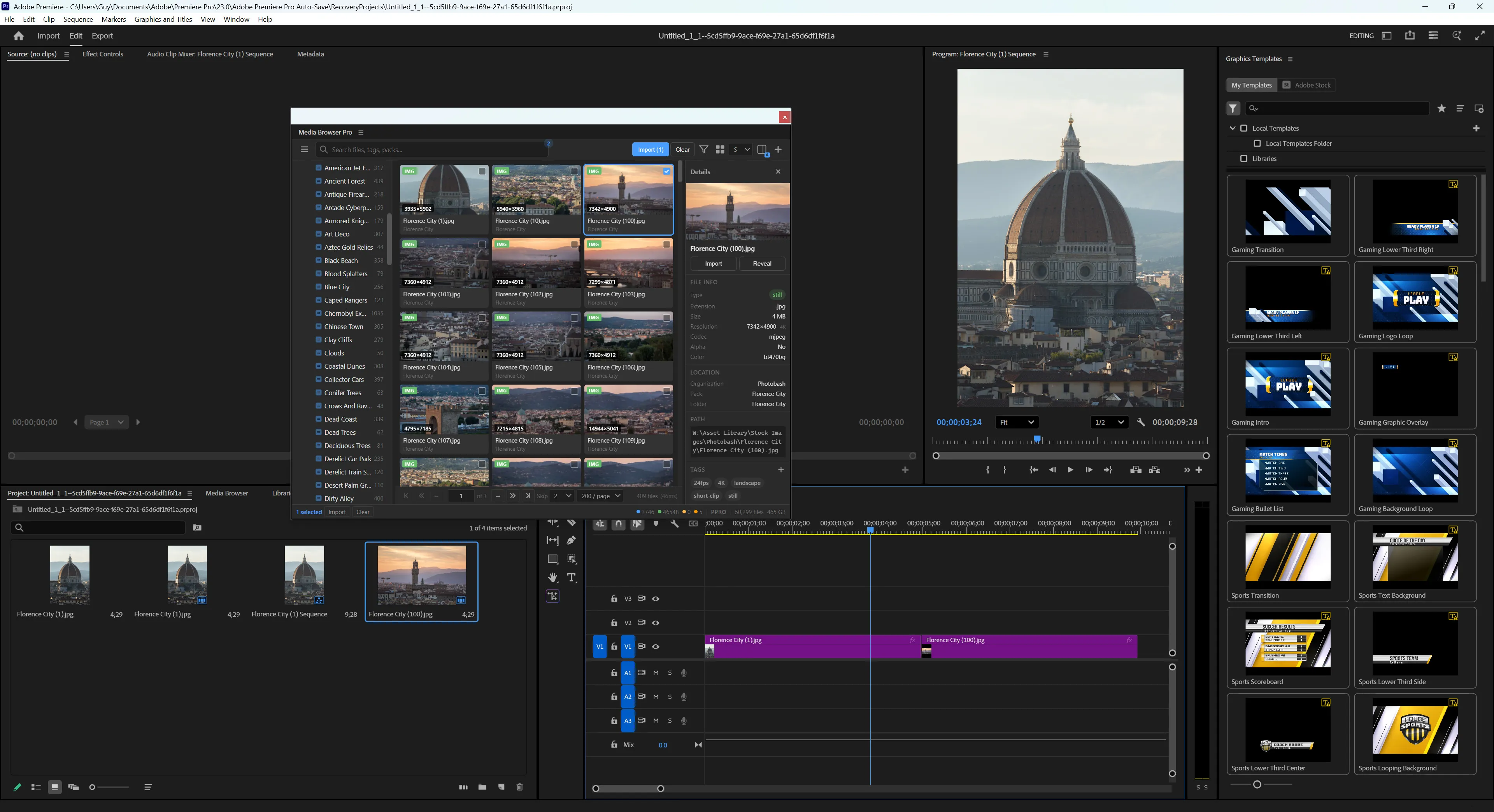
- Import adds files to the project.
- Hold Shift to place them into the active sequence; add Alt to start them at the playhead.
- Ctrl wraps each file in its own sequence.
Photoshop
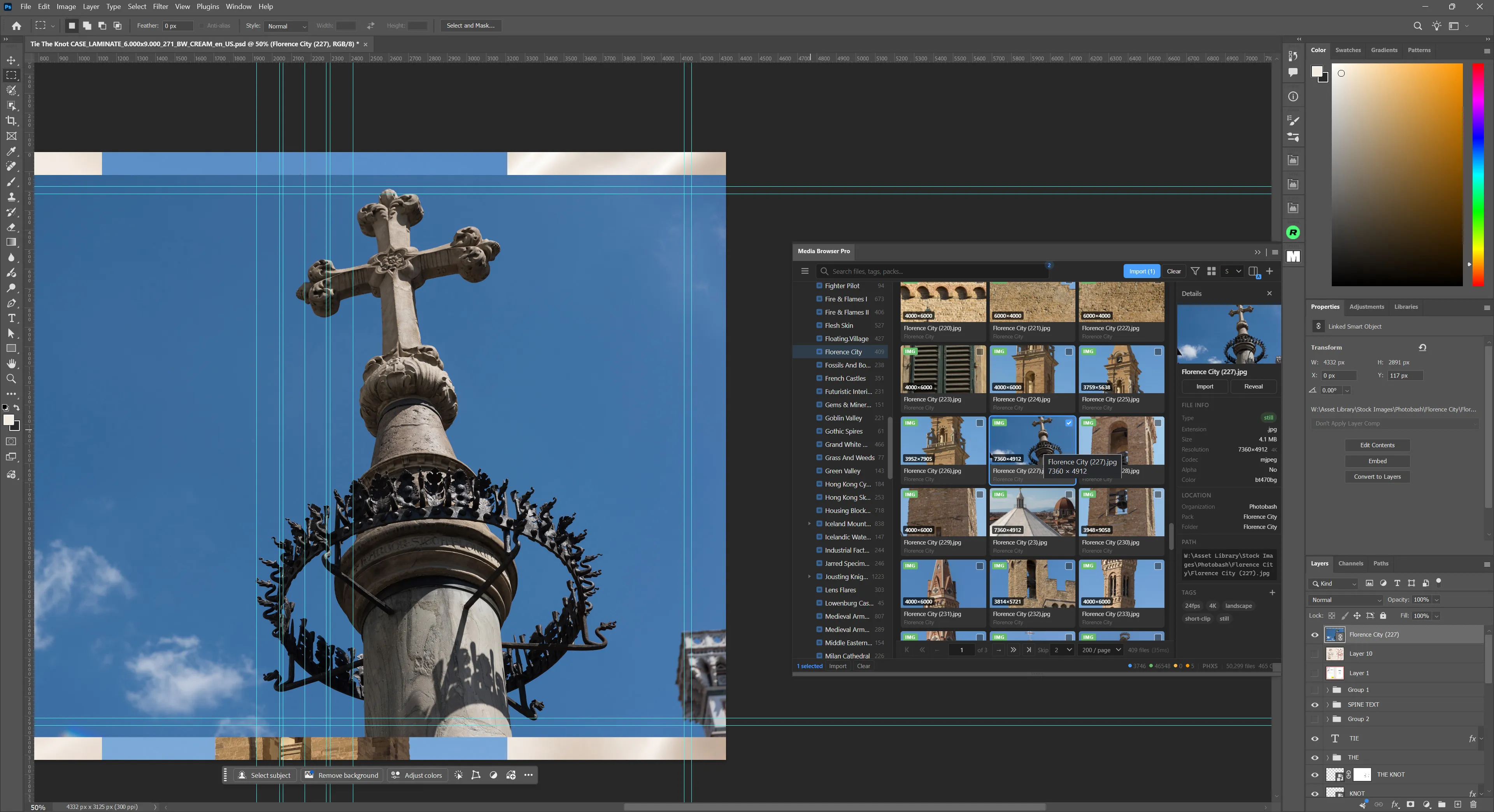
Import places the file into the active document as a linked smart object — so the original stays on disk and the document stays light.
Illustrator
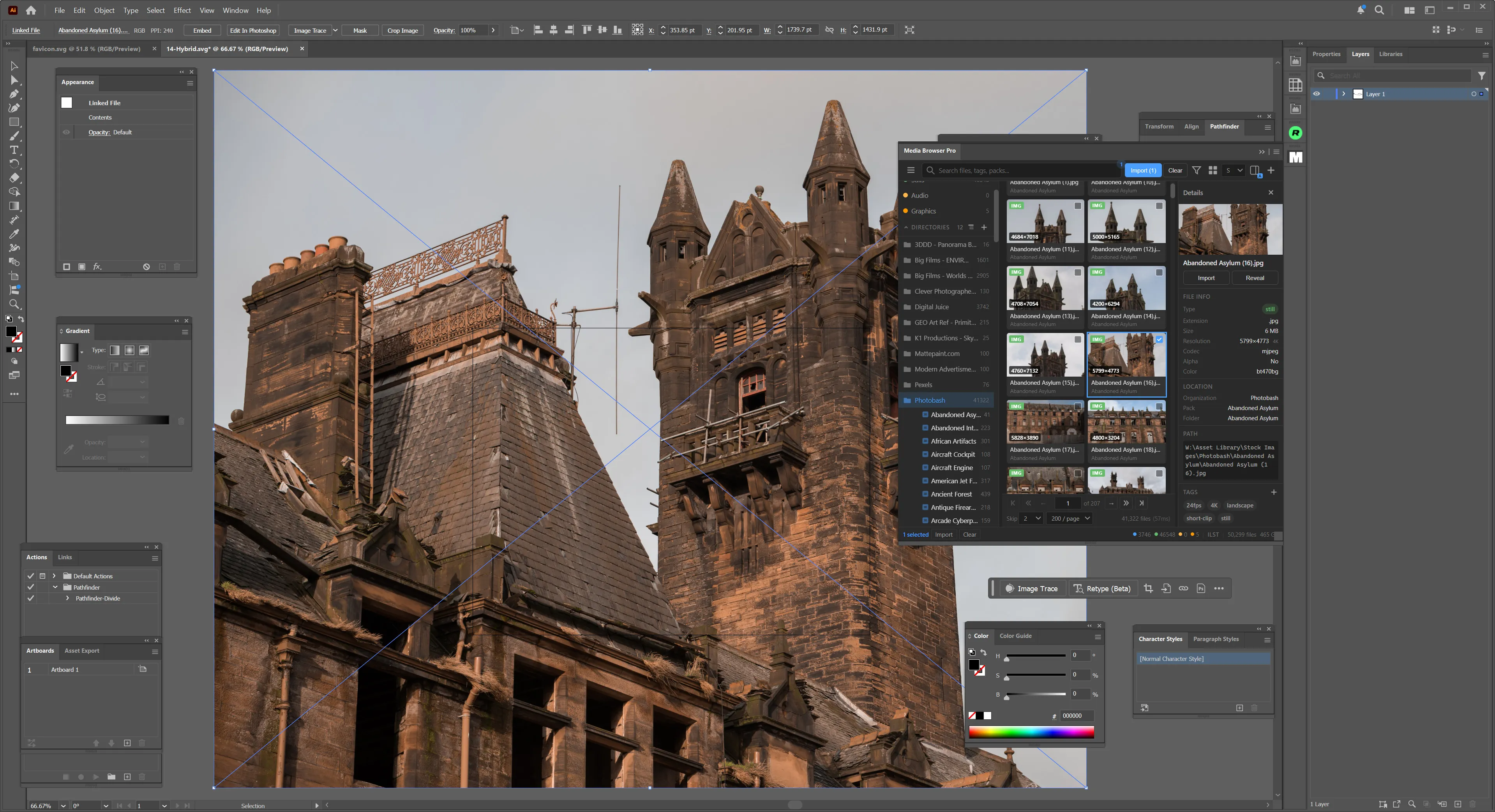
Import places the file into the active document as a linked file.
Practise
Open the same pack in two hosts. Import a still into Photoshop, then the same still into Premiere Pro’s active sequence with Shift + Click . Notice you never touched Explorer.
Form complete
You’re ready for brown belt: Import like a sensei.