
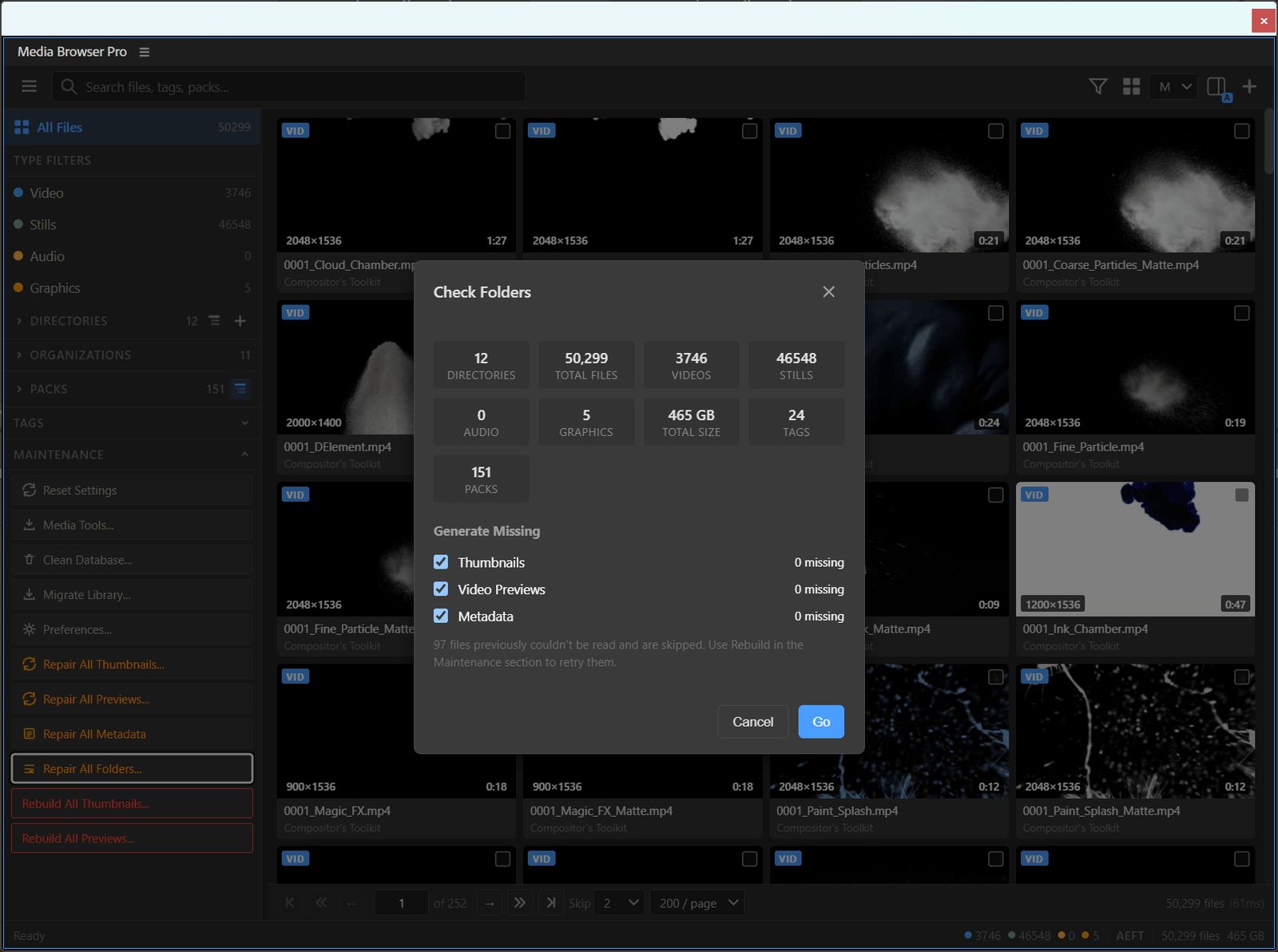

At black belt you stop thinking about the panel and start thinking about the library as a system: what it costs, how it stays correct, and how it moves with you.
The weekly check
Run Maintenance → Repair All Folders… once a week, or after adding packs.
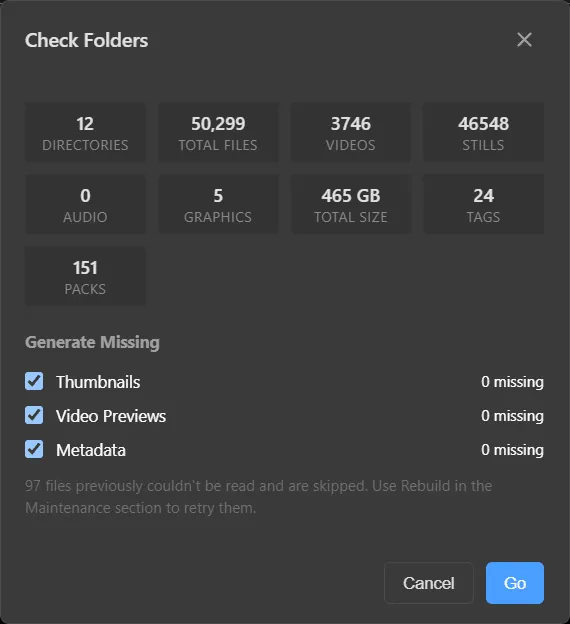
It counts everything and shows what’s missing. Tick Thumbnails, Video Previews and Metadata and press Go — only gaps are filled.
Repair before rebuild
Orange buttons repair what is missing. Red buttons discard and redo everything. Reach for red only when repair didn’t fix what you see — and if it’s just one pack, use the directory’s right-click Maintenance menu instead of the whole library.
Prune the database
Moved or deleted some media? Clean Database → Analyze shows what the library is still carrying. Tick what to drop, then Clean. Your media on disk is never touched.
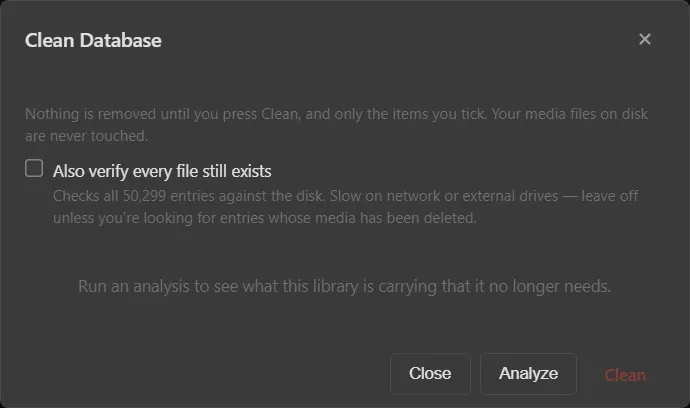
Turn on Also verify every file still exists only when you’re hunting deleted media — it checks every entry against the disk and is slow on network drives.
Tune performance
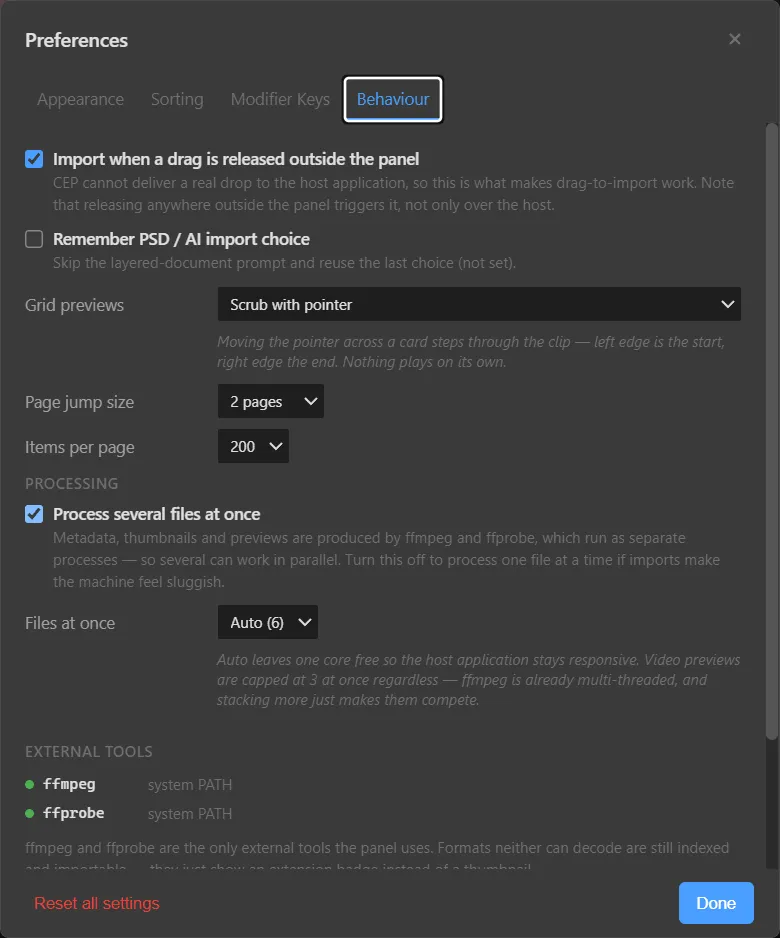
- Files at once — Auto leaves one CPU core free so the host stays responsive. On a render night, you might allow more; on a laptop during a meeting, fewer.
- Video previews are capped at three at once regardless — ffmpeg is already multi-threaded.
- Items per page — 200 is a good balance. Raise it if you like long scrolls; lower it on slower drives.
Move house
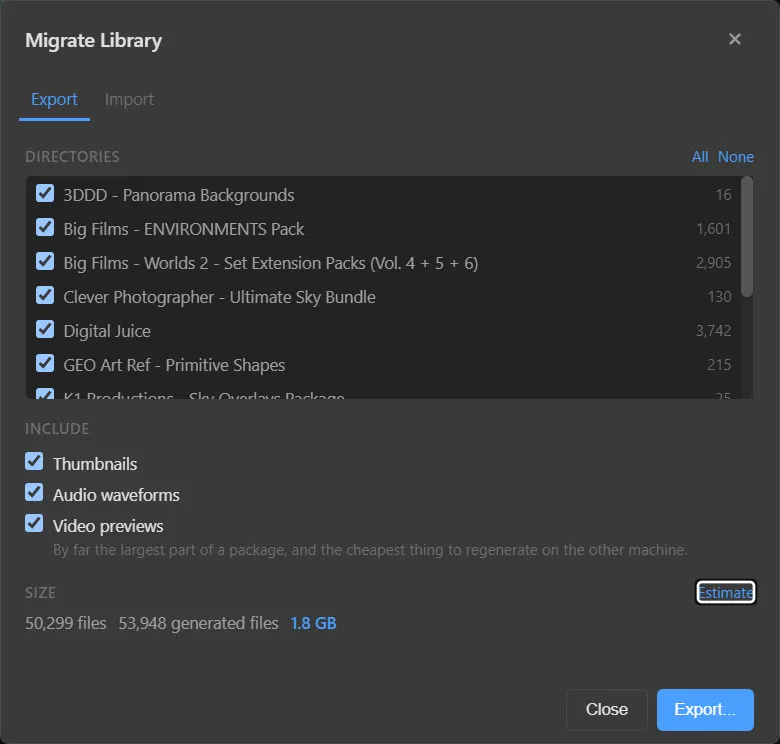
- Migrate Library… → Export, tick the directories, and press Estimate.
- Untick Video previews if the package is large — they’re the biggest part and the cheapest to regenerate.
- Export…, copy the package across, and on the new machine Migrate Library… → Import.
- Keep the media at the same paths, then run Repair All Folders… and Repair All Previews….
Ri — leave the form
You now understand the library as a system. The next step is yours: design a structure, tags and routine that fit the way you work.